What Is an MCP, and Why Does Your CMS Need One?
Your marketing team is already using AI every day. They're drafting copy in ChatGPT, summarizing research in Claude, cleaning up email subject lines. That part happened on its own, no rollout required.
Now ask any of those assistants a question about your actual website. "Which pages haven't been updated in over a year?" "What still needs a Spanish translation?" "Which blog posts are missing a featured image?"
You'll get nothing useful. The assistant will guess, or apologize, or make something up that sounds right. It has no idea what's on your site, because nothing has ever given it a way to look.
That gap is what MCP closes. And for anyone running a Sitefinity site, it's the difference between AI as a writing toy and AI as something your content team actually works in.
MCP in plain English
MCP stands for Model Context Protocol. It's an open standard for connecting an AI assistant to a live system, so the assistant can read real data and take real action instead of working from whatever it was trained on months ago.
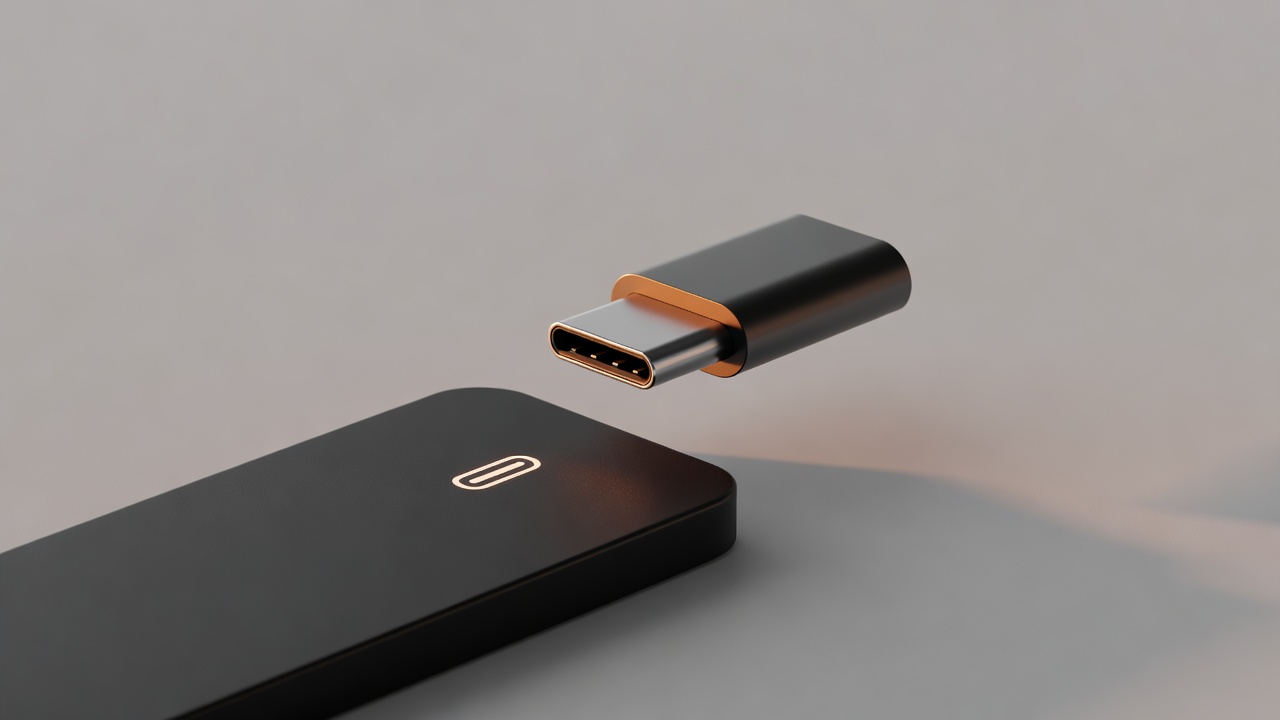
Think of it as the USB-C port for AI. Before USB, every device needed its own cable and its own driver. Now there's one shape that fits everything. MCP does the same thing for AI and business systems. One standard connector, and any MCP-compatible assistant can plug in.
An MCP connector for your CMS gives Claude or ChatGPT secure, structured access to your pages, content items, dynamic modules, taxonomies, and publishing workflow. Not a copy of your site, not a scrape of your public pages. The live system, with permissions.
The important word in there is open. MCP isn't owned by a single AI vendor. Anthropic published it and the rest of the industry adopted it, which means the connector you build today isn't a bet on one assistant winning. If your company standardizes on Claude and then switches to ChatGPT next year, the connector comes with you.
Why this matters more than any single AI feature
Most CMS vendors are shipping AI features right now. AI alt text. AI meta descriptions. An AI writing box inside the editor. Some of them are genuinely useful.
But every one of those features is a separate island. Each one does one job, inside one screen, on the vendor's schedule. If the thing you need isn't on the roadmap, you wait.
A connector works differently. It doesn't add a feature, it opens the door. Once your assistant can reach your CMS, the list of things your team can ask isn't set by a product manager somewhere. It's set by what your team needs on a Tuesday afternoon.
That's the shift I'd want a marketing leader to take away from all this. Individual AI features are a product decision someone else made. A connector is infrastructure you own, and it makes every future AI capability cheaper to adopt, because the hard part (secure, structured access to your content) is already solved.
What this looks like on a Sitefinity site
We build and maintain Sitefinity sites, and we've been a certified Progress Sitefinity Premium Partner for over a decade. So the version of this I know best is the Sitefinity one.
Here's the everyday work that changes when a connector is in place:
Audits stop being projects. "Tell me my top 10 404s this month." "Find images missing alt text." "List pages with no meta description." Today that's a developer ticket, a spreadsheet, and two weeks. With a connector it's a question and an answer.
Translation gaps become visible. "What pages do I still need to translate to Spanish?" "Which translated pages are out of date versus the English original?" Most teams find out about these gaps when a customer emails them.
Editorial review happens before publish, not after. "Review these blog posts for tone and clarity." "Flag any page where the H1 doesn't match the title tag." "Summarize what changed across the site this week."
Bulk changes stop being scary. "Update the phone number in the footer across every page." "Add this person to the leadership page." "Turn this press release into a news item."
None of that is hypothetical. It's the work your content team already does by hand, or asks us to do, or quietly doesn't do because there's never time.
There's a piece people miss, though, and it's the piece that decides whether this actually works. A generic connector speaks generic CMS. Your site doesn't. It has your content types, your taxonomies, your dynamic modules, named the way your team named them three redesigns ago. If the assistant doesn't know that vocabulary, you get confident answers about a site that doesn't exist.
That's why our Sitefinity connector includes a customization layer we tune to each client's content model. Same connector, configured to your structures. It's the difference between an assistant that demos well and one that's still correct in month six.
We've written up the whole approach, including the specific prompts and how the rollout works, on our AI for Sitefinity page.
The questions you should be asking
If you're evaluating any of this, four questions get you most of the way:
Does the assistant reach our live CMS, or a copy? A copy goes stale, and stale answers are worse than no answers.
Who controls permissions? The connector should respect the roles you already have. Your intern shouldn't get publish rights through a chat window.
Is it tuned to our content model, or a generic schema? Ask to see it run against a site with custom modules, not a clean demo instance.
What happens when we switch assistants? If the answer involves rebuilding, it isn't really an open standard implementation.
I'd also be honest about what this isn't. Connecting an assistant to your CMS is not a one-click install, and anyone telling you otherwise is selling you something. It's a guided setup: connect and authenticate the connector, tune it to your content model, deploy the plugin your team will actually use, then train the people using it. A few weeks, not a few minutes. The training part matters more than most people expect, because tooling nobody understands ends up on a shelf.
Where to start
You don't need an AI strategy to start here. You need to know whether your CMS can be reached by the assistants your team is already using, and what it would take to get there. That question is a common starting point for our AI consulting services.
That's a short conversation. We'll look at your Sitefinity instance, walk through what your team asks for most often, and tell you honestly what's straightforward and what isn't.
Book an MCP readiness conversation.
We'll run the real prompts against a real Sitefinity site so you can see what your team would actually get, then tell you honestly what's straightforward and what isn't.
Talk to us about MCP for Sitefinity arrow_forwardEric Spencer is at Springthrough, a digital strategy and technology consulting firm based in Grand Rapids, Michigan.