How to Find Your Top 10 Broken Pages in Under a Minute
What we learned wiring a vacation-rental company's analytics into a report that refreshes itself every morning.
The answer
Once it's developed as a skill and the data is being brought in regularly, you just ask. Pull up an artifact wherever you are, and you know at a glance.
Getting there takes some setup. Here are the five things that made it work for us.
1. AI has to know your site
Make sure AI can reach your data where it lives. If you're running a CMS, make sure it's one that can expose your custom content types and what they mean. Most can, but it often takes some configuring. That structure also helps AI navigate your site. A CMS is more than a sitemap: it's the custom data your CMS provides that makes the difference.
2. Use the tools built for examining your site
Tools like GA4 and Siteimprove are built for examining a site, and AI needs to interact with them on a regular basis. If you've never set up GA4, AI is really good at walking you through it. Beyond the base tag, it will need to add some tags to find out where people are going and what they click.
Once the tools are connected, AI can turn their raw numbers into plain language. Google's PageSpeed scores become "needs work" or "slow" next to each page, and GA4's traffic reports show which channels bring in guests who actually go on to book.
3. Make an artifact you can regenerate
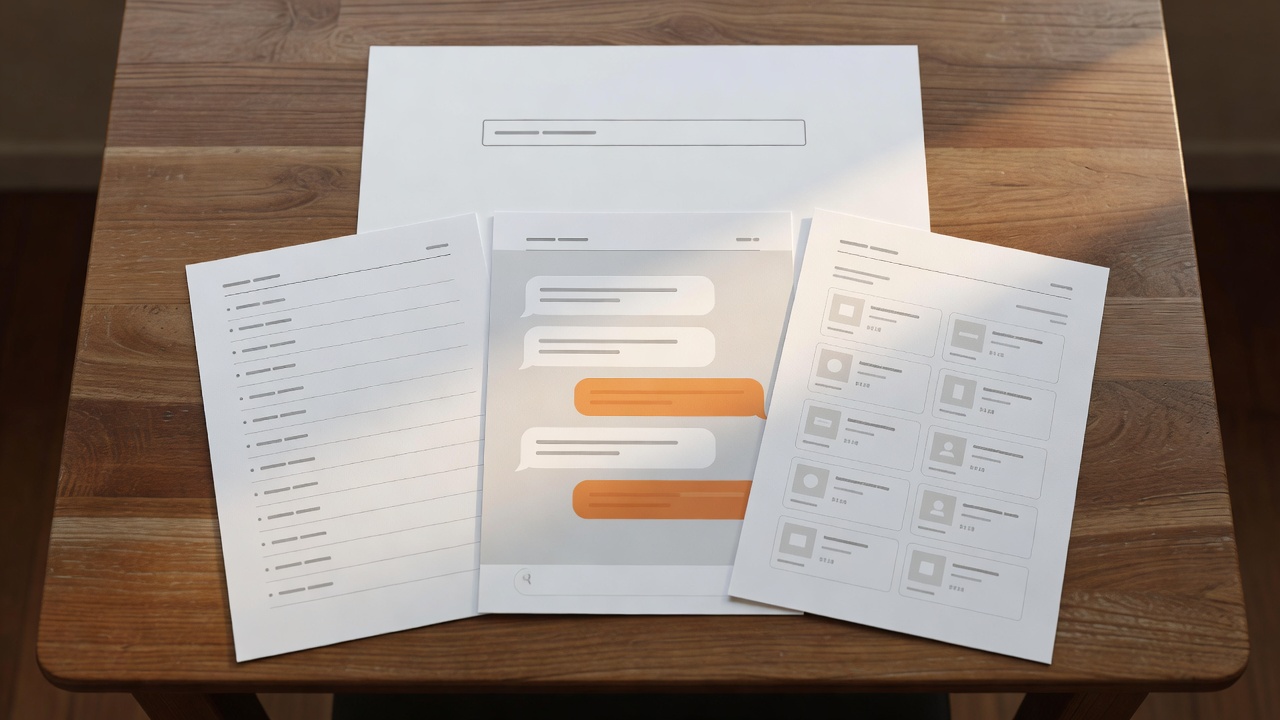
Make an artifact that can be regularly regenerated to look at your pages. Nobody likes spending their time sifting through 20 pages of text that AI spat out. Most people reading this article are probably skimming it (or asking their AI to). You want to find the data that matters to you, and it should be easy to read. Having AI format data you can easily process is paramount to actually using your data.
Pick two or three metrics to keep it simple, and set up an artifact with charts and diagrams that display what you want to see. In our case, the client's report leads with visitors, where they come from and how fast the pages load, and it refreshes every morning.
4. Constantly refine and improve
Have AI iterate on its own work to see what's missing. The key to having useful data isn't dumping a report in front of you every week; it's having it ready whenever you need it. What AI hasn't changed is the person who has to decide what to do with the data. If your data changes over time, your report needs to evolve with it so it doesn't grow stale.
5. Create a skill to save tokens and run faster
Every time you run your page crawler, you're burning through tokens. Creating a skill that keeps your information up to date saves you both time and money: a script does the heavy lifting, and the AI only reads the instructions and the results.
Our client's daily refresh is a short instruction file plus a Python script that pulls GA4, Search Console and PageSpeed data. It runs every morning on its own and leaves a one-line log:
- 2026-10-31 07:07 EDT ok, through 2026-10-30; rows: daily 540, sources 12, locations 18, pages 33
- 2026-11-01 07:08 EST ok, through 2026-10-31; rows: daily 540, sources 12, locations 18, pages 33
- 2026-11-02 09:02 EST ok, through 2026-11-01; rows: daily 540, sources 12, locations 18, pages 33
- 2026-11-03 08:01 EST ok, through 2026-11-02; rows: daily 540, sources 15, locations 21, pages 39
The AI didn't replace anyone's judgment. It just made sure the numbers are already waiting when someone needs to make a call.
Want this kind of report for your own site?
We'll scope what it takes to connect your CMS, GA4 and PageSpeed data to a refreshable artifact. A working session, not a sales pitch.
Talk to us about your site arrow_forwardAlbert Hovingh is at Springthrough, a digital strategy and technology consulting firm based in Grand Rapids, Michigan.