Sitefinity Cloud vs. Self-Hosted: Three Hosting Modes and How to Choose
Every website implementation eventually comes down to a practical question that's easy to treat as an afterthought: where is the site going to live? For a Sitefinity site, that hosting decision shapes how much your team has to manage, how far you can customize, and how updates are released.
There are three main options, and the right one depends on how much you need to customize the site and how much you want to hand off.
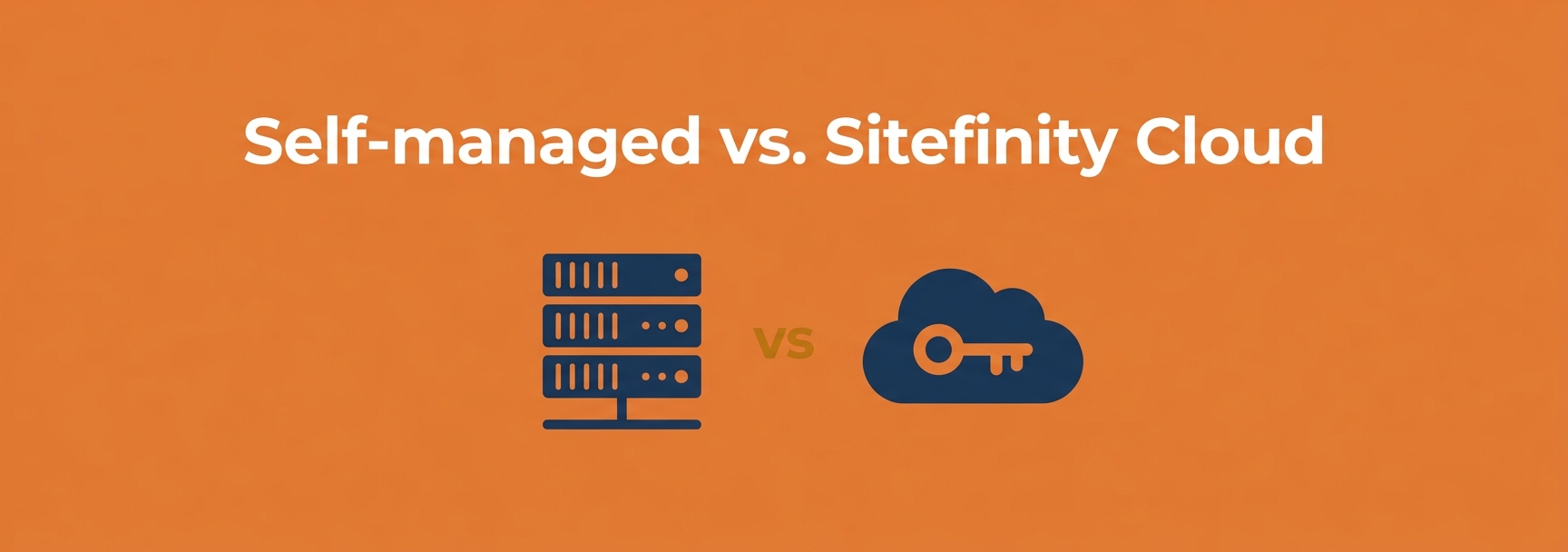
Progress offers three ways to run Sitefinity: on infrastructure you own, on Sitefinity Cloud with Developer Extensions, and on Sitefinity Cloud fully managed. What mostly separates them is how much you can customize the site and how much of the operational load your team carries. Four lenses bring that into focus: who manages the infrastructure, how upgrades happen, how much you can customize, and who owns security and compliance. Keep these four in mind and the choice gets a lot clearer.
Self-hosted: total control, total ownership
Self-hosting means Sitefinity runs on infrastructure you control: a physical server, a virtual machine, or your own AWS or Azure tenant. Running it on cloud IaaS, it's worth noting, doesn't make it managed; the monthly invoice is only part of what that infrastructure actually costs you. It's the most customizable of the options: you have full access to the source code and configuration, and you can take the site's front end and back end as far as your requirements (and your budget) allow.
The trade-off is that everything else is yours too. You own the servers, the scaling, the backups, the monitoring, the security patching, and the upgrades from end to end. When a new Sitefinity version ships, your team plans and executes that upgrade on your timeline and your budget. Whether that means a straightforward lift-and-shift or a fuller rebuild is a project in its own right. For organizations with strict data-residency requirements or significant existing infrastructure investments, that control is exactly the point. For a lean marketing team that just wants the site to stay fast and current, it's a lot of work that has nothing to do with content. It's also work that doesn't stop at launch. When a self-hosted site starts running slow, the cause is frequently the server environment rather than the CMS, which is why platform and infrastructure expertise are so much more effective under one roof.
Sitefinity Cloud with Developer Extensions
Formerly called the PaaS model, Sitefinity Cloud with Developer Extensions runs on Progress-managed infrastructure on Microsoft Azure and Cloudflare (Azure Kubernetes Service, Azure SQL, a global CDN, a web application firewall, DDoS protection, and resources replicated across three availability zones) with preconfigured staging and production environments. Progress runs the platform; you keep the ability to change it. Because it's Sitefinity Cloud, it also carries the platform's enterprise compliance posture: SOC 2 and HIPAA certification, ISO 27001 and other standards measured at the Azure level on every subscription, and built-in tools to support GDPR requirements.
With Developer Extensions enabled, your developers get source-code access to both the CMS back end and the front-end renderer, so they can write custom code on both sides of the platform. It's what lets you build custom modules and back-end behavior, rather than working through configuration alone. When Sitefinity updates are available, an upgrade is prepared under the hood and submitted to you as a change request your team reviews and approves, so you adopt new versions on your schedule and resolve any breaking changes from custom code before they go live. You also get CI/CD pipelines plus self-service tooling for application restarts and database export/import. A couple of guardrails come with the managed environment: configurations run in a read-only file system by default, and runtime changes to dynamic modules from the backend UI aren't permitted, since those would conflict with code deployed from source.
In short: managed infrastructure, but you keep the keys to customization and control of when you upgrade. This is the option for sites that need heavy back-end customization but whose teams would rather not run infrastructure.
Sitefinity Cloud, fully managed
The fully managed option (formerly the SaaS model) is Developer Extensions turned off. Progress handles everything: the same Azure and Cloudflare infrastructure and the same compliance posture described above, plus zero-downtime updates applied automatically and a published uptime target above 99.95%, without your team lifting a finger. It's the "stop babysitting the platform" option, and for teams that want to spend their energy on content rather than infrastructure, that's genuinely freeing.
What you give up is access to the CMS core. The source repository for the back-end is not accessible, so deep customization is off the table; you build the front end with Sitefinity's decoupled renderer.
Note decoupled here is not the same as headless. Sitefinity's model is hybrid headless. The front end is a separate application (ASP.NET Core or Next.js) that talks to the CMS over REST APIs, which is the decoupled part. But unlike a pure-headless CMS, which hands developers an API and gives marketers nothing to work with, Sitefinity keeps the publishing tools: your editors still get WYSIWYG page building, templates, built-in and custom widgets, live preview, and personalization. So "fully managed" doesn't mean your marketers lose the visual editor. It means your developers lose source-level access to the CMS core. That distinction is the real line between this option and Developer Extensions.
A few questions that narrow the choice
No scoring spreadsheet needed here. A few plain questions usually settle it.
- Do you have strict data-residency rules or heavy existing infrastructure? Self-hosting keeps everything under your control.
- Do you have customizations like back-end modules and integrations that you need to protect? Sitefinity Cloud with Developer Extensions gives you managed infrastructure without giving those up, and lets you approve upgrades on your schedule.
- Do you want the platform fully off your plate? The fully managed option hands infrastructure, security, and upgrades to Progress entirely.
- How do you want upgrades to feel? All on you (self-hosted), a change request you approve (Developer Extensions), or automatic (fully managed). That single answer often narrows the field on its own.
Where to land
There's no universally correct choice, only the one that fits your situation. How much custom development does your site really need, and how much of the day-to-day operational work do you want your team to own? Once those are clear, the right hosting mode picks itself.
As we said, self-hosting gives you the most control, and it can also ask the most of your IT team. Patching, monitoring, performance, and security are ongoing work that never really ends (Your Website Just Launched. Now What?). That's often where a support retainer really shines. But the work doesn't vanish in the cloud, either. Managed hosting takes the infrastructure off your plate; it doesn't write your renderer, build your customizations, review your upgrade change requests, or keep your content moving. Whichever option you choose, that's the gap a Sitefinity support retainer fills, so your team can stay focused on the site instead of the plumbing.
We run Sitefinity in all three modes and are glad to help you weigh control against convenience for your specific situation. Just a straight conversation about which one fits.
Pick the right Sitefinity hosting mode.
We run Sitefinity in all three modes (self-hosted, Cloud with Developer Extensions, and fully managed) and are glad to help you weigh control against convenience for your specific situation.
Talk to us about Sitefinity hosting arrow_forwardKevin Reed is Principal Solutions Architect at Springthrough, where the team has spent 25 years helping mid-market companies get more out of their technology.